
The Pros and Cons of Using a Budgeting App to Track Your Spending
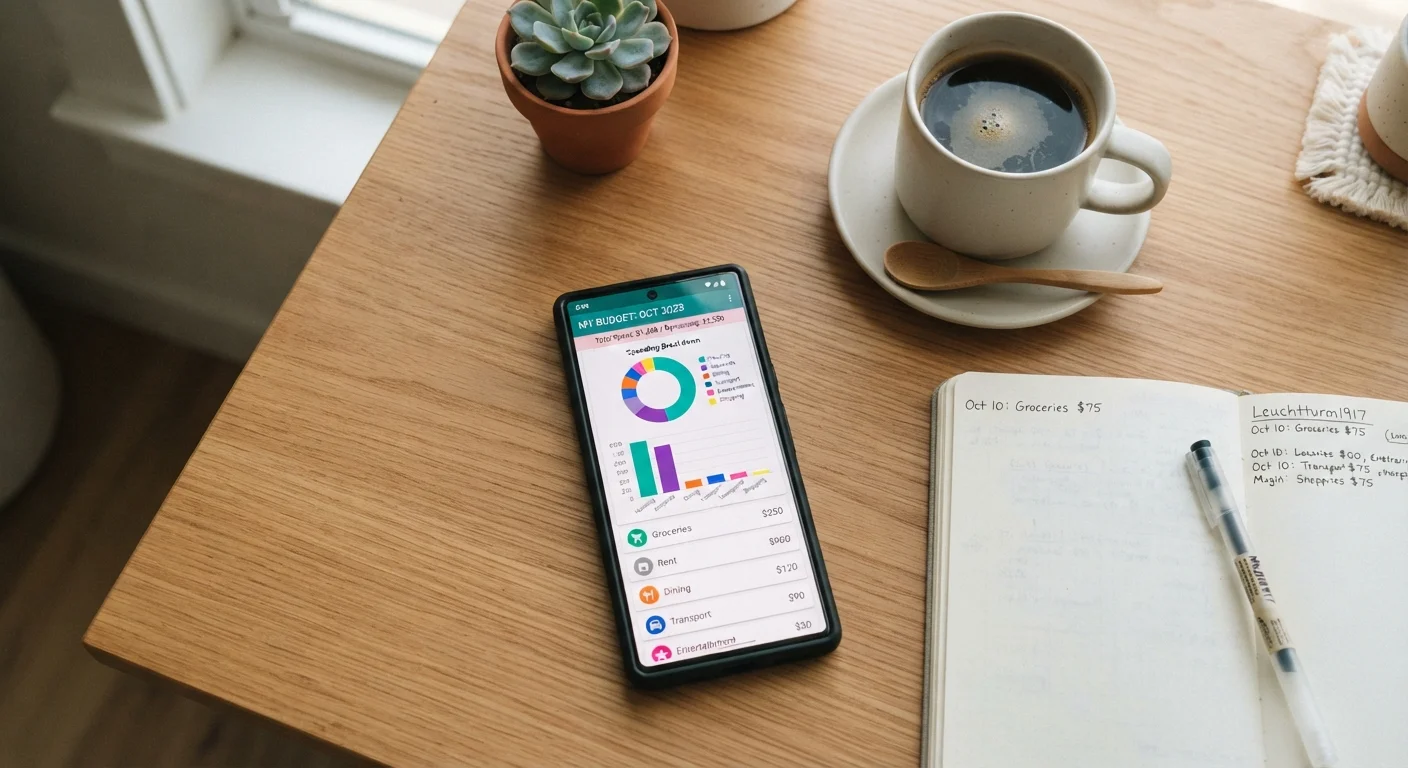
Photo credit: readerspanel.com
In this article
Budgeting apps offer automation and visibility, but they also come with trade-offs around privacy, accuracy, and engagement. A balanced breakdown before you commit.
Key Takeaways
- Budgeting apps automate transaction categorization, reducing manual data entry for most users.
- Bank-level data sharing raises legitimate privacy concerns that vary by app and account type.
- Automatic categorization errors are common and can distort your actual spending picture.
- Engagement tends to drop after the first few weeks, limiting long-term usefulness.
- Apps work best as a starting tool rather than a permanent replacement for active budget management.
Automated transaction import saves significant manual effort
Most apps connect directly to bank and credit card accounts and pull in transactions automatically. This removes the friction of logging every purchase by hand, which is the main reason manual tracking methods fail.
Visual summaries make spending patterns easy to spot
Charts and category breakdowns convert raw numbers into a readable picture. Seeing that dining out represents 22% of monthly spending is more actionable than scanning a list of individual charges.
Real-time alerts can interrupt overspending early
Many apps send a notification when you approach or exceed a category limit. That prompt, arriving at the moment of the behavior, is more effective than a monthly review after the damage is done.
Consolidated view across multiple accounts in one place
Households using checking accounts, credit cards, and savings accounts at different institutions can see all balances and transactions together. This reduces the chance of missing spending that happens on a card you rarely check.
Historical data builds a record useful for annual planning
After several months of use, the transaction history becomes a reliable reference for planning next year's household expenses rather than guessing at recurring costs.
Connecting bank accounts creates real privacy exposure
To import transactions automatically, most apps require read access to your financial accounts, typically through a data aggregator. That introduces a third party into the chain between you and your bank, with its own data retention and sharing policies.
Automatic categorization is frequently wrong
Algorithms misread merchant names regularly, placing a hardware store purchase under 'Entertainment' or a pharmacy run under 'Groceries.' Without manual review, these errors quietly distort your spending picture. What your budget categories actually tell you depends entirely on those categories being accurate.
Engagement drops sharply after initial setup
The novelty of seeing all your spending in one place tends to wear off within weeks. Without continued active use, the app generates data no one reads, and the behavior change that motivated the download never materializes.
Free tiers often carry limitations or advertising
Many apps offer core features at no cost but gate useful functionality such as custom categories, goal tracking, or detailed reports behind a subscription. Advertising within free versions can feel at odds with neutral financial guidance.
Does not replace the decision-making that budgeting requires
An app records what happened; it cannot decide how to allocate income going forward. Choosing between percentage-based allocations or fixed dollar limits is a judgment call the app leaves entirely to the user.
What budgeting apps actually do
A budgeting app connects to your financial accounts and imports transactions, then sorts them into spending categories and presents totals in a visual format. The core appeal is automation: instead of recording a coffee purchase manually, the charge appears in your app within hours of the transaction settling.
Most apps also allow you to set spending limits by category and send alerts when you approach those limits. Some include net worth tracking, bill reminders, and savings goal features. The underlying model is the same across most products: aggregate your financial data, categorize it, and surface patterns.
That data aggregation is where most of the trade-offs live. Understanding both sides helps you decide whether an app fits your habits or whether a different approach, such as the methods covered in spending tracker setups worth knowing, suits you better.
The practical advantages
Automated transaction import saves significant manual effort
Most apps connect directly to bank and credit card accounts and pull in transactions automatically. This removes the friction of logging every purchase by hand, which is the main reason manual tracking methods fail.
Visual summaries make spending patterns easy to spot
Charts and category breakdowns convert raw numbers into a readable picture. Seeing that dining out represents 22% of monthly spending is more actionable than scanning a list of individual charges.
Real-time alerts can interrupt overspending early
Many apps send a notification when you approach or exceed a category limit. That prompt, arriving at the moment of the behavior, is more effective than a monthly review after the damage is done.
Consolidated view across multiple accounts in one place
Households using checking accounts, credit cards, and savings accounts at different institutions can see all balances and transactions together. This reduces the chance of missing spending that happens on a card you rarely check.
Historical data builds a record useful for annual planning
After several months of use, the transaction history becomes a reliable reference for planning next year's household expenses rather than guessing at recurring costs.
The friction reduction that comes from automatic import is the most defensible argument for using an app. Manual tracking methods, including spreadsheets and paper ledgers, require consistent daily input. Most people stop within a month. An app keeps the record going even when motivation fades.
The visual element matters too. Category charts make it easier to compare intended versus actual spending at a glance, something a raw spreadsheet requires more effort to produce. For households managing income across multiple accounts, having one consolidated dashboard reduces the chance that spending on a rarely-checked card goes unexamined.
The real trade-offs to weigh
Connecting bank accounts creates real privacy exposure
To import transactions automatically, most apps require read access to your financial accounts, typically through a data aggregator. That introduces a third party into the chain between you and your bank, with its own data retention and sharing policies.
Automatic categorization is frequently wrong
Algorithms misread merchant names regularly, placing a hardware store purchase under 'Entertainment' or a pharmacy run under 'Groceries.' Without manual review, these errors quietly distort your spending picture. What your budget categories actually tell you depends entirely on those categories being accurate.
Engagement drops sharply after initial setup
The novelty of seeing all your spending in one place tends to wear off within weeks. Without continued active use, the app generates data no one reads, and the behavior change that motivated the download never materializes.
Free tiers often carry limitations or advertising
Many apps offer core features at no cost but gate useful functionality such as custom categories, goal tracking, or detailed reports behind a subscription. Advertising within free versions can feel at odds with neutral financial guidance.
Does not replace the decision-making that budgeting requires
An app records what happened; it cannot decide how to allocate income going forward. Choosing between percentage-based allocations or fixed dollar limits is a judgment call the app leaves entirely to the user.
The privacy concern is not abstract. When you connect a bank account to an app, you are granting read access to a third-party service, which typically routes that connection through a data aggregator. Each intermediary has its own data policy covering how long your information is stored and whether it is used for purposes beyond displaying your balance. Reviewing those policies before connecting accounts is worth the time.
Categorization errors deserve more attention than most reviews give them. A misclassified transaction does not just look wrong; it skews every percentage and comparison built on that data. If you are using category data to make real budget decisions, as described in reading your budget categories clearly, inaccurate inputs undermine the whole exercise.
On subscription costs over time
Several well-known budgeting apps have shifted from free to paid models or introduced premium tiers after building a large user base. Before committing to an app as part of your regular routine, check the current pricing structure and whether the features you rely on are available at the free tier. A subscription that costs $5 to $10 per month is a budget line of its own, and it should appear somewhere in the budget the app is helping you manage.
When an app makes sense and when it does not
An app is a reasonable starting point for someone who has no current tracking system and wants to understand baseline spending before building a more deliberate plan. The automated record-keeping provides data that would otherwise require weeks of manual effort to assemble.
It is a weaker fit for someone who already tracks spending consistently, who manages finances at a granularity the app cannot match, or who is uncomfortable with the data-sharing requirements. In those cases, paper budgeting or a digital spreadsheet may provide more control with fewer dependencies.
The most common failure mode is treating setup as success. Downloading an app and connecting accounts produces data, but data alone does not change spending. The app needs regular, active engagement to be useful, and that engagement tends to require the same discipline that any other budgeting method demands.
This article provides general financial information for educational purposes and is not personalized financial advice. For decisions specific to your situation, consult a qualified financial professional.

Author
Smart Shopping Editorial Team
Smart Shopping Editorial Team is the collective byline for our editorial team and contributor network. Articles published under this byline or an editorial pen name are researched, written, and reviewed according to our editorial standards for clarity, consistency, and independence before publication.
View all articles →